
Digital dentistry is undergoing a spectacular evolution, and the use of 3D dental modeling software has become indispensable for practitioners and laboratories alike. Whether you’re a dentist, a prosthetist or a practice equipped with 3D printing, choosing the right software has a direct influence on your success:
precision restoration,
workflow fluidity,
STL file quality,
and design time.
In this article, we offer a comprehensive comparison of the most widely used 3D dental modeling software in 2024, their advantages, their limitations and for which type of user they are really suitable.
At the end, we’ll also see when it’s more cost-effective to outsource modeling to a specialized service like Dental3ddesign.
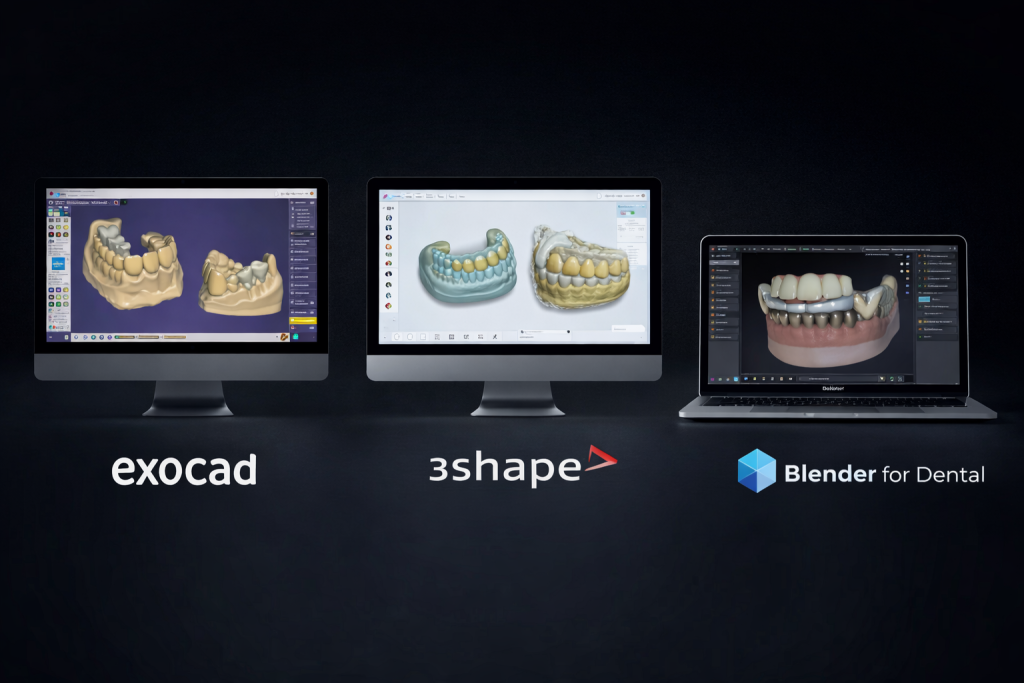
The most popular 3D dental modeling software in 2024
1. Exocad - The world's most widely used software
✔️ Highlights
Intuitive interface
Very complete
Extremely rich implant libraries
Perfect for complex cases (implantology, All-on-X)
Compatible with almost all scanners
Specialized modules (bars, smile design, full dentures)
❌ Weak points
High cost (licenses & modules)
PC installation only
Requires training
🎯 For whom?
➡️ For practices that want a homogeneous system: scanner, modeling, machining.
3. DentalCAD (Zirkonzahn) - The choice of Zirkonzahn-equipped laboratories
✔️ Highlights
Highly precise for bridges and frameworks
Perfect integration with Zirkonzahn milling machines
Powerful tools for metal structures
❌ Weak points
Less versatile for implant cases
Reserved for brand equipment
🎯 For whom?
➡️ For fully equipped Zirkonzahn laboratories.
4. Blender for Dental - The open source revolution
✔️ Highlights
Free
Very powerful for advanced users
Many add-ons (e.g. Blend4Dental)
Ideal for abutments and All-on-X prostheses
❌ Weak points
Strong learning curve
Not originally designed for medical use
Non-standard interface
🎯 For whom?
➡️ For technical users and independent laboratories.
5. Meshmixer - The essential retouching tool
✔️ Highlights
Free
Simple
Perfect for: cutting, STL repair, tilting, exporting
❌ Weak points
Not creative software
Limited functionality
🎯 For whom?
➡️ Quickly modify an STL before or after modeling.